
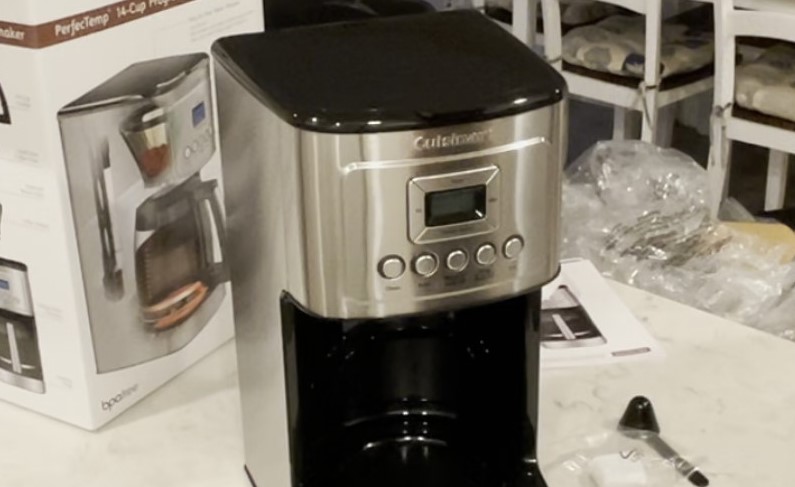
If your Cuisinart coffee maker clock not working, it is usually a simple issue related to power, a frozen display, or a tripped circuit. Most fixes involve resetting the unit, checking the power cord connection, or troubleshooting the control panel without needing professional repair.
Waking up in 2026, we rely on our morning routine more than ever. There is nothing quite as jarring as stumbling into your kitchen for that first cup of coffee, only to find that the digital display on your machine is dark or unresponsive. If you are dealing with a Cuisinart coffee maker clock not working, you are certainly not alone. It is a common frustration that can turn a seamless morning into a bit of a headache.
The good news is that these machines are built to be robust. Often, when the clock stops ticking or the screen goes blank, it is not a sign of total machine failure. Instead, it is usually a minor electrical hiccup or a sensor error. In this guide, we will walk through everything you need to know to troubleshoot your device, get the clock back in sync, and ensure your coffee is ready exactly when you want it.
Key Takeaways
- Power Source Check: Always verify that the machine is plugged into a functional outlet before assuming the internal clock is broken.
- The Hard Reset: A simple unplug-and-wait technique can clear temporary glitches in the digital display.
- Control Panel Care: Keep your buttons clean and dry, as moisture is the leading cause of unresponsive coffee maker buttons.
- Display Brightness Issues: Sometimes the clock is working, but the backlighting has failed or dimmed, making it invisible in bright light.
- When to Seek Help: If you have tried all resets and the unit remains unresponsive, it may be time to contact Cuisinart support or check your warranty.
The Basics of Power and Connectivity
Before we dive into technical troubleshooting, we must address the most obvious culprit: power. It might sound silly, but it happens to the best of us. Sometimes, a Cuisinart coffee maker clock not working is simply due to a loose connection or a tripped breaker.
Checking Your Power Source
Start by verifying that the coffee maker is firmly plugged into the wall outlet. If it is plugged into a power strip or an extension cord, try plugging it directly into a wall socket instead. Power strips can occasionally fail or trip their own internal circuit breakers, which might cut power just enough to affect the display but not the heating element.
If the outlet appears dead, plug a lamp or another small appliance into it. If that appliance also fails to turn on, you know the problem is with your home’s electrical circuit rather than your coffee maker. Head to your breaker box and see if any switches have been tripped. Flipping them back to the “on” position often solves the issue instantly.
The Importance of a Stable Connection
Kitchen environments are tough on electronics. Between the heat, the humidity from boiling water, and the occasional splash of coffee, the plug connection can sometimes corrode or loosen over time. Ensure the cord is pushed in all the way. If the plug feels loose in the outlet, you might consider replacing the outlet faceplate or moving the machine to a different spot in the kitchen.
Performing a System Reset
Modern coffee makers are essentially small computers. Just like your laptop or smartphone, they can occasionally get stuck in a “loop” where the software freezes. If you find your Cuisinart coffee maker clock not working correctly, a hard reset is your best friend.
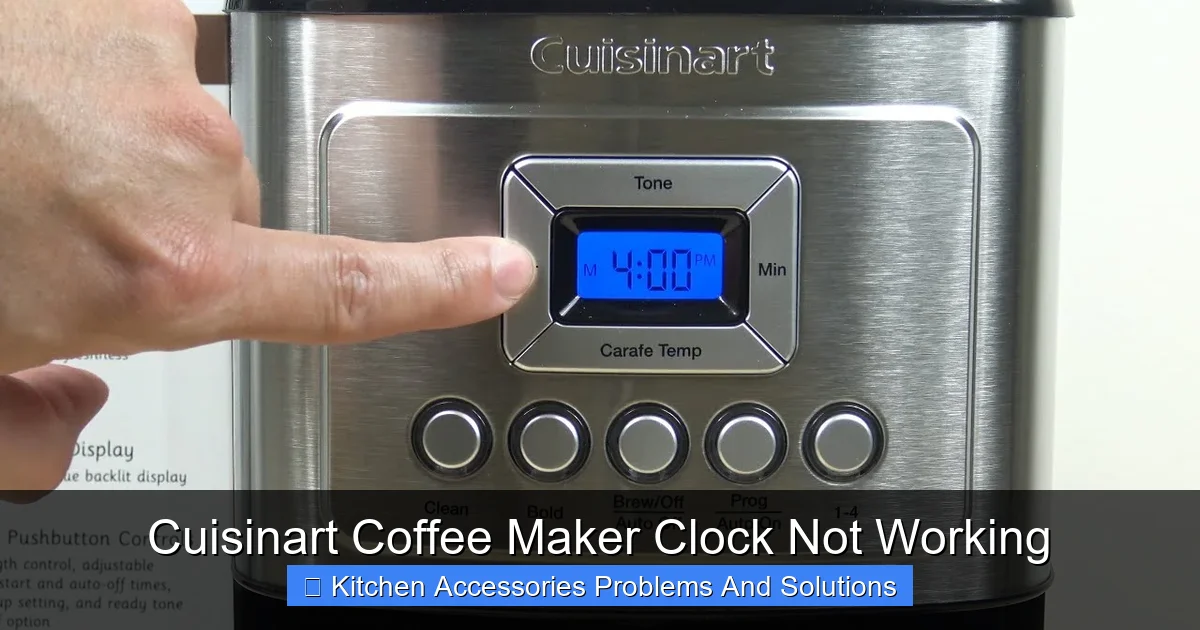
Visual guide about Cuisinart Coffee Maker Clock Not Working
Image source: citizenside.com
How to Reset Your Cuisinart Machine
The process is incredibly simple. Unplug your coffee maker from the wall. Now, leave it unplugged for at least ten to fifteen minutes. This allows the internal capacitors to fully discharge, which clears the memory of the control panel. After the wait time has passed, plug the machine back into the wall.
Once it is powered back up, you should see the clock flash or display “12:00.” If the screen was completely blank before, this reset often wakes the internal display back to life. From here, follow the instructions in your user manual to set the current time. If the clock starts ticking again, you have successfully resolved the glitch.
Dealing with Display and Backlight Issues
Sometimes, the clock is actually working, but you just cannot see it. This is a common situation for users who feel like their Cuisinart coffee maker clock not working correctly when the reality is just a dimmed display.
Addressing Dimmed Screens
Check if there is a brightness or display setting in your specific model’s menu. Some high-end 2026 Cuisinart models allow you to toggle the brightness of the LCD screen. If you have recently cleaned the machine, you may have accidentally bumped a button or changed a setting that dimmed the light to a level that is unreadable under kitchen lighting.
Moisture and Internal Condensation
Because coffee makers produce steam, moisture can sometimes find its way behind the glass of the display panel. If you see a “foggy” look on the screen, it could be condensation.
This internal moisture can make the digits look distorted or cause the display to flicker. If you suspect this, unplug the machine and place it in a well-ventilated area for a day or two to let it fully dry out. Avoid using a hair dryer, as direct heat can melt the plastic casing.
Button and Control Panel Maintenance
The buttons you use to set the hour and minute can wear out or get stuck. If your Cuisinart coffee maker clock not working is preventing you from setting the time, the buttons might be the issue.
Cleaning Around the Buttons
Over time, cooking oils, coffee sprays, and dust can settle around the edges of the buttons on your control panel. This sticky residue can prevent the button from making a full electrical contact when pressed. Take a slightly damp not dripping wet cloth and gently clean around the buttons. You can also use a soft-bristled toothbrush to lightly scrub the crevices.
Avoiding Water Damage
Always avoid spraying cleaning products directly onto the console. Instead, spray your cloth first. This ensures that liquid doesn’t seep into the electronics behind the buttons, which is the primary cause of button failure. If you feel a button is physically stuck, gently wiggle it back and forth to loosen any dried grime that might be holding it down.
Advanced Troubleshooting: When to Call for Help
If you have tried the reset, checked the power, and cleaned the panel, and your Cuisinart coffee maker clock not working is still a problem, you might be dealing with a failed internal component. In this case, you need to decide if the machine is worth further investment.
Evaluating the Warranty
Cuisinart products often come with a limited three-year warranty. If you purchased your machine within the last three years, check your purchase receipt. You may be eligible for a repair or a replacement unit at no cost. Keep in mind that opening the machine yourself will void any active warranty, so if it is still covered, contact Cuisinart customer service before taking it apart.
Considering the Age of Your Machine
In 2026, technology in appliances is moving fast. If your coffee maker is more than five or six years old, internal electronic components like capacitors and resistors may simply reach the end of their lifespan. While it is sad to part with a trusty machine, sometimes a display failure is a sign that it is time for an upgrade. A new machine will offer better energy efficiency and perhaps even smart features that your current unit lacks.
Maintaining Your Clock and Machine for the Long Haul
Prevention is always better than cure. By taking a few steps to care for your coffee maker, you can prevent the “clock not working” problem from appearing in the first place.
Routine Care Tips
First, keep the machine away from direct contact with steam if possible. If your coffee maker sits directly under a cabinet, pull it out while it is brewing to prevent steam from rising up and settling onto the control panel. Second, keep the exterior clean. A quick wipe-down once a week prevents the buildup of kitchen grease that can eventually work its way into the display electronics.
The Power Surge Factor
If you live in an area prone to power surges or lightning storms, consider plugging your coffee maker into a high-quality surge protector. Power spikes can easily fry the sensitive microchips that run the clock display, even if they don’t damage the heating element. It is an inexpensive way to extend the life of your kitchen appliances significantly.
Dealing with a broken clock on your coffee maker is a nuisance, but it doesn’t have to ruin your morning ritual. By methodically working through these steps—from power checks to deep cleaning and eventual warranty claims you can determine exactly what is wrong.
Remember, in most cases, a simple reset is all it takes to get things back to normal. If the issue persists, don’t be discouraged; your path to a perfect, timed cup of coffee is well within reach!
Frequently Asked Questions
Why is my coffee maker clock flashing 12:00?
A flashing 12:00 usually indicates that the machine has experienced a power interruption, such as a brief outage or being unplugged. You simply need to re-enter the current time using the hour and minute buttons to stop the flashing.
Can I still brew coffee if the clock is broken?
Yes, most Cuisinart coffee makers will still function for immediate brewing even if the digital clock is dead. You just won’t be able to use the programmable auto-brew feature until the clock is fixed.
Is it safe to open the coffee maker to fix the display?
Opening the casing of your coffee maker is generally discouraged, as it can be dangerous due to electrical components and internal heating parts. It will also void your manufacturer’s warranty immediately.
How do I know if the display backlight is just burnt out?
If you look at the screen from a sharp angle under a bright flashlight, you might see faint digits appearing even if the backlight is dead. This confirms the clock electronics are functioning, but the LED light module has failed.
Should I leave my coffee maker plugged in at all times?
Yes, keeping the machine plugged in is standard, but if you go away on a long vacation, it is perfectly safe to unplug it. Just keep in mind you will have to reset the clock when you return.
What if none of these steps fix my coffee maker?
If you have tried the hard reset and checked your power source without success, the internal control board is likely faulty. At this point, it is best to contact Cuisinart support to check your warranty status for a repair or replacement.