
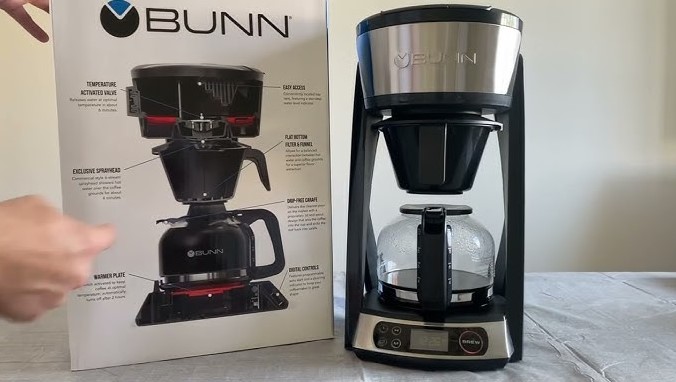
If you find your Bunn coffee maker warming plate not working, start by checking the power switch and the fuse. Often, a simple reset or a quick clean is all you need to restore heat to your carafe.
There is nothing quite like the smell of fresh coffee filling your kitchen in the morning. For many of us, the reliable Bunn coffee maker is the heart of that ritual. However, it can be incredibly frustrating when you pour that first cup, only to find the pot is lukewarm because your Bunn coffee maker warming plate not working. It turns a perfect morning into a cold start.
Do not panic just yet. Before you head to the store to buy a brand new machine, remember that these units are built to be robust and repairable. Many times, the issue is simple and can be fixed with a few household tools and a bit of patience. Let’s walk through the steps to get your coffee back to the right temperature today.
Key Takeaways
- Power Check: Always verify that your machine is properly plugged in and the warming plate switch is firmly in the “On” position.
- Safety First: Never attempt internal repairs while the unit is plugged in; safety is your priority when working with electrical appliances.
- Thermal Fuse: A blown thermal fuse is a common reason for a Bunn coffee maker warming plate not working, but it can be replaced with the right parts.
- Cleanliness Matters: Mineral buildup or coffee residue can interfere with the heating element’s connection and sensor performance.
- Switch Failure: Over time, the warming plate toggle switch can wear out, requiring a simple replacement rather than a new machine.
- Professional Help: If you aren’t comfortable with electronics, consult a professional technician to avoid risks or voiding your warranty.
Understanding Your Bunn Heating System
Bunn coffee makers are famous for their speed and unique design. Unlike standard drip machines, many Bunn models keep a tank of water hot at all times. This means the warming plate is a separate electrical circuit dedicated to keeping your brewed coffee hot. When you notice your Bunn coffee maker warming plate not working, it usually points to a break in that specific circuit.
The Role of the Toggle Switch
The most common culprit is often the most overlooked: the toggle switch. Most Bunn models feature a distinct switch for the warming plate. This switch is susceptible to spills, dust, and general wear and tear after years of use. If the switch feels loose, crunchy, or fails to “click” firmly, it might be the reason your plate is cold.
Internal Wiring and Connections
Over time, the internal wires that lead to the heating element can become loose due to the vibration of the machine during the brewing process. If a wire has disconnected, the heating element will simply stop receiving power. Checking these internal connections is a straightforward process, provided you have the right screwdriver and follow safety protocols.
Safety First: Pre-Troubleshooting Steps
Before we dive into the internal components, we must prioritize safety. Working with coffee makers involves electricity and water, which is a dangerous combination. Always unplug your machine and let it sit for at least an hour before you attempt to open the casing. This ensures that any stored energy in the internal components is dissipated.
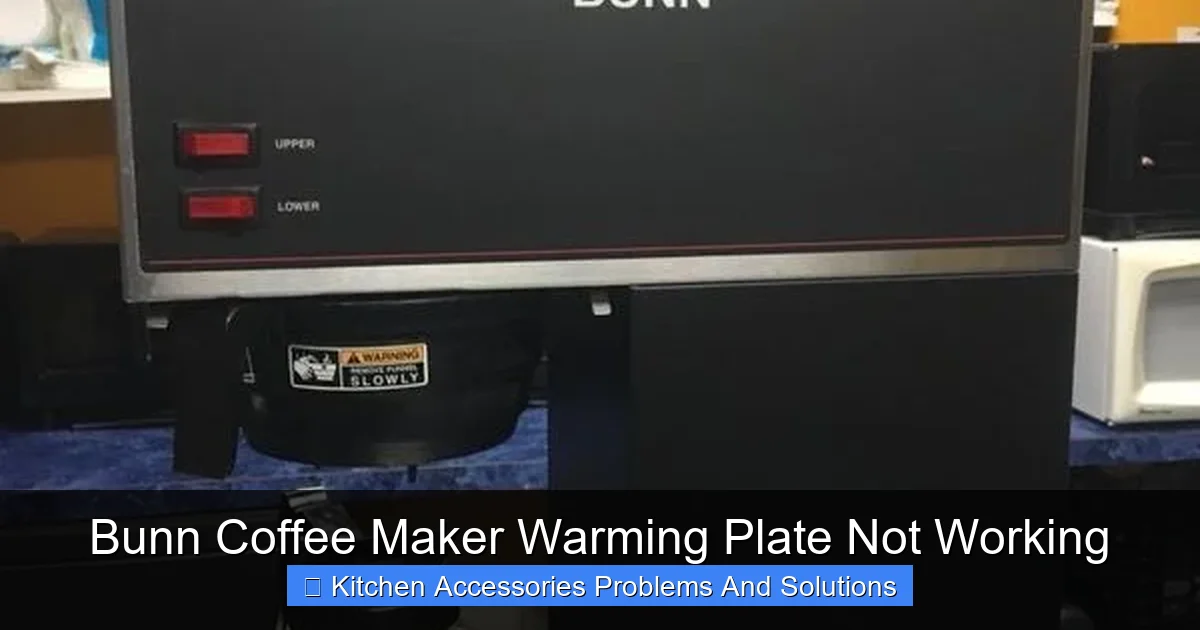
Visual guide about Bunn Coffee Maker Warming Plate Not Working
Image source: i.pinimg.com
Gathering Your Tools
You do not need a fancy workshop to fix a Bunn coffee maker. A basic set of screwdrivers, including Phillips and flathead, will cover most of your needs. You might also want a multimeter if you want to test the continuity of wires or the fuse. Having a clean workspace with good lighting will make the process much smoother and ensure you do not lose any small screws.
Inspecting the Exterior
Sometimes, the “warming plate not working” issue is purely external. Look at the power cord for any signs of fraying or damage. Ensure the outlet you are using is functional by plugging in a different appliance, such as a lamp. It sounds simple, but a tripped circuit breaker in your home is a common reason why your coffee maker seems to be broken.
How to Test the Thermal Fuse?
The thermal fuse is a tiny safety device inside your machine designed to cut power if the internal temperature gets too high. If the fuse blows, it is a permanent failure—it stops the flow of electricity to prevent a fire. If you find your Bunn coffee maker warming plate not working, the thermal fuse is a likely suspect.
Locating the Fuse
You will need to open the base or the bottom cover of your Bunn machine to find the thermal fuse. It is usually attached to the wiring near the heating element. It is often encased in a heat-resistant sleeve. Be very gentle when moving wires, as they can be brittle after years of heat exposure.
Testing and Replacement
Use your multimeter set to the continuity setting. Place the probes on either side of the fuse. If the multimeter does not beep or show a reading, the fuse is blown and must be replaced. You can find replacement thermal fuses online specifically for your Bunn model. When replacing it, ensure the new one has the exact same temperature rating to keep your machine safe.
Checking the Warming Plate Element
The warming plate element is the actual metal coil that generates the heat. While these are very durable, they can eventually burn out. If your wiring is fine and the switch is working, the element itself might be the reason your Bunn coffee maker warming plate not working.
Signs of a Bad Element
Visually inspect the heating element. Is there visible damage, burnt plastic, or heavy corrosion? Sometimes, coffee spills can seep into the base and cause a short circuit right at the element’s terminals. If you see signs of charring, it is a clear indicator that the element has failed.
Replacing the Heating Component
Replacing the warming plate element is a bit more involved than changing a fuse. You will need to detach the heating plate from the body of the machine. Take photos as you disassemble it so you know exactly how to put it back together. Clean any debris from the area before installing the new element to ensure a tight, efficient fit.
Cleaning and Maintenance Tips
Sometimes the warming plate isn’t actually broken; it’s just dirty. A thick layer of burnt-on coffee residue can act as an insulator, preventing the heat from transferring properly to your carafe. Keeping your warming plate clean is essential for the best coffee flavor and the longevity of your machine.
Removing Residue
Use a damp cloth and a mild cleaner to wipe down the warming plate surface after every use. If you have stubborn, burnt-on spots, a plastic scraper can help remove them without scratching the surface. Never use harsh metal tools that could damage the heating surface.
Preventing Future Issues
To keep your Bunn coffee maker running smoothly, perform a deep cleaning every few months. Descale the machine using a vinegar solution or a commercial coffee maker cleaner. Not only will this improve the taste of your coffee, but it will also ensure the internal systems including the warming plate circuits are not being stressed by mineral buildup.
When to Call a Professional
We believe in the power of DIY repairs, but there is no shame in calling a professional if you feel out of your depth. If you have tested the fuse, checked the wires, and everything seems fine, yet you still have a cold plate, there might be a deeper electrical problem on the main control board.
Protecting Your Warranty
Before you open the machine, double-check your warranty status. If your machine is relatively new, attempting a repair might void the warranty. Contacting Bunn customer service is always a smart first step. They can often provide troubleshooting advice specific to your model number and may even offer a repair solution.
Conclusion
Having your Bunn coffee maker warming plate not working is certainly a headache, but it is rarely the end of the road for your machine. By systematically checking the power, the switch, the fuse, and the heating element, you can often identify and fix the issue in under an hour.
Remember to stay safe, take your time, and enjoy the satisfaction of repairing your own equipment. With a little care, your Bunn will be back to brewing hot, delicious coffee for years to come.
Frequently Asked Questions
Why is my warming plate cold but the coffee still brews?
The brewing system and the warming plate operate on separate electrical circuits within the machine. If the coffee brews but the plate stays cold, it usually means the warming plate switch or the wiring specifically connected to the heating element is faulty.
Is it dangerous to open my coffee maker?
It is safe as long as the machine is completely unplugged and has had time to cool down. Always ensure you are working on a stable, dry surface and avoid touching internal capacitors if you are unsure about electrical safety.
Can I just leave the machine on to fix the plate?
No, leaving the machine on will not fix a hardware issue and poses a fire risk if there is an electrical fault. If the plate is not heating, the internal components need to be inspected for damage.
How much does it cost to replace a thermal fuse?
A thermal fuse is a very inexpensive part, usually costing between $5 and $15. It is one of the cheapest and most effective ways to restore a warming plate that has stopped heating.
What if the warming plate is clean but still doesn’t heat up?
If the surface is clean, the issue is internal. You should proceed to check the toggle switch for continuity and inspect the thermal fuse, as these are the two most likely internal points of failure.
How long should a Bunn warming plate last?
With proper care and regular cleaning, a Bunn warming plate can last for many years, often outlasting cheaper coffee makers. However, environmental factors like humidity and frequency of use will influence the lifespan of the electrical components.