
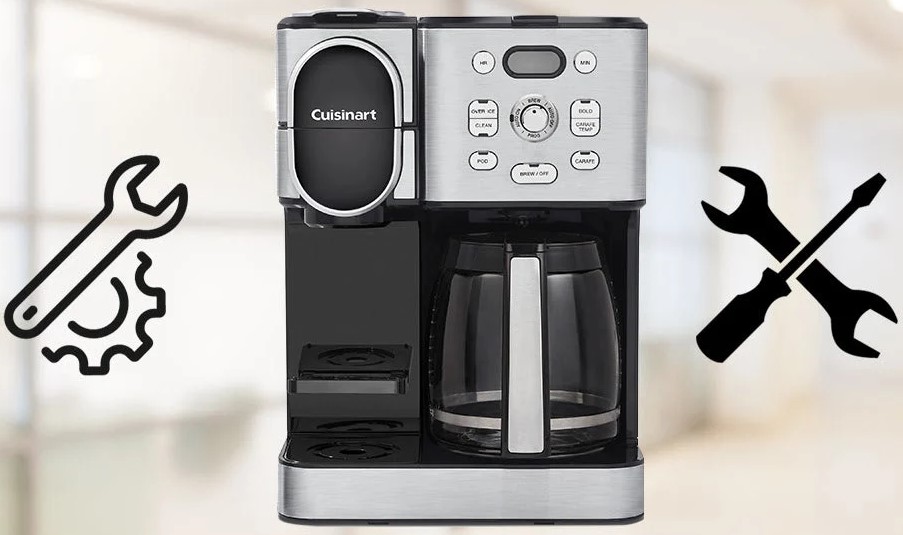
If your Cuisinart coffee maker auto on not working, it is likely due to an incorrect clock setting, an unactivated program light, or a power interruption. Most issues can be resolved by resetting the internal clock, ensuring the “Auto On” button is illuminated, or checking your power source for consistency.
There is nothing quite like the smell of fresh coffee greeting you the moment your feet hit the floor in the morning. We rely on our programmable machines to handle the heavy lifting while we are still shaking off the sleep.
However, it can be incredibly frustrating to walk into your kitchen at 7:00 AM expecting a hot carafe, only to find a cold, empty machine. If you find your Cuisinart coffee maker auto on not working, you are certainly not alone. This is one of the most common complaints among coffee lovers, but fortunately, it is rarely a sign that your machine is broken.
In 2026, Cuisinart continues to be a staple in kitchens worldwide, blending reliable brewing tech with intuitive controls. Most of the time, when the auto-on function fails to trigger, the machine is simply misunderstood rather than malfunctioning.
Whether you own a classic Brew Central model or one of the newer Grind & Brew systems, the underlying logic remains consistent. Let’s dive into why your machine might be ignoring your morning alarm and how you can get it back on schedule.
Key Takeaways
- Clock Sync: Always double-check that your coffee maker’s clock is set to the correct AM or PM time, as this is the leading cause of failed auto-brew starts.
- Program Activation: Many users set the time but forget to press the final “Auto On” button to confirm the cycle, leaving the machine idle.
- Power Stability: Small kitchen appliances are sensitive to power flickers; a surge can reset your memory, causing your Cuisinart coffee maker auto on not working issue.
- Cleanliness Matters: Scale buildup can sometimes interfere with electronic sensors or flow, making a deep clean essential for consistent performance.
- Manual Override: If all else fails, a hard reset by unplugging the machine for thirty minutes can clear the digital control board of temporary software glitches.
Understanding the Cuisinart Control Panel
The control panel on your Cuisinart is the brain of the operation. When you experience a Cuisinart coffee maker auto on not working scenario, the issue usually stems from the input process. Many users assume that setting the “Program” time is enough, but these machines require a specific sequence of actions to engage the timer.
The Importance of AM and PM Settings
It sounds simple, but the most frequent culprit is the clock itself. If your machine thinks it is 6:00 PM instead of 6:00 AM, it will be waiting patiently to brew while you are sound asleep. Check the display carefully. Is there an AM or PM indicator? On many digital models, missing this detail is easy to do. If you have ever been baffled by a coffee maker that brews at the wrong time of day, this is almost certainly why.
Confirming the Program Activation
After you set the desired time, you must verify that the “Auto On” feature is active. On most Cuisinart models, this is signaled by a small light next to the “Auto On” button. If the light is not illuminated, the coffee maker is not “armed.” Think of it like an alarm clock: you can set the time, but if you do not hit the “On” or “Activate” switch, it will not ring. Always look for that glowing light before you head to bed.
Electrical Issues and Memory Resets
Modern kitchens are power-hungry environments. Between microwaves, air fryers, and smart appliances, your coffee maker is just one piece of the puzzle. If your home experiences a minor power flicker, even for a split second, your Cuisinart coffee maker auto on not working, because the machine loses its internal memory. The clock will reset to 12:00, and your programmed schedule will be wiped entirely.
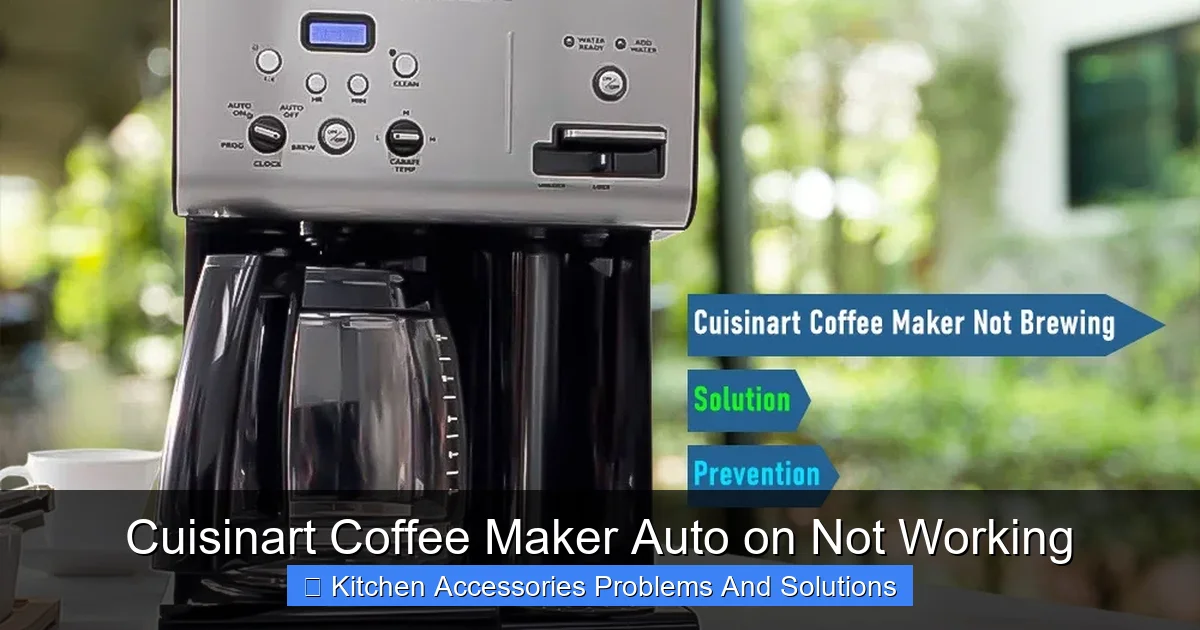
Visual guide about Cuisinart Coffee Maker Auto on Not Working
Image source: cdn.shopify.com
Checking Your Power Source
If you notice that the clock on your display is flashing 12:00, this is a clear sign that the unit lost power. You will need to reset the current time and reprogram your auto-brew time from scratch. If you find this happens frequently, it might be worth plugging your coffee maker into a high-quality surge protector. This stabilizes the power and prevents the machine from resetting during minor voltage drops.
The Hard Reset Strategy
Sometimes, the internal computer in your coffee maker can get “stuck.” Just like a smartphone or a computer, it can benefit from a hard restart. If you have checked your settings and everything seems correct, but the machine still refuses to brew automatically, try unplugging it.
Let it sit for at least thirty minutes. This allows the capacitors to drain completely, effectively clearing the memory. When you plug it back in, set the clock fresh and try programming it again.
Maintenance Habits That Prevent Failures
We often treat our coffee makers as “set it and forget it” appliances, but they are precision tools that require care. If you find your Cuisinart coffee maker auto on not working, it could also be a symptom of internal debris or mineral buildup. While this doesn’t usually stop the clock, heavy scale buildup can trigger safety sensors that prevent the machine from starting if it detects a blockage or improper flow.
The Role of Descaling
Water quality varies by region, and over time, calcium and lime deposits accumulate in the internal tubes and heating elements. This buildup slows down the heating process. In some advanced Cuisinart models, if the machine takes too long to reach the proper brewing temperature, the cycle might abort or fail to trigger entirely. Descaling your machine every three to six months using a vinegar-water solution or a commercial descaling liquid keeps the sensors running smoothly.
Keeping the Sensors Clear
Inside the water reservoir, there is often a small sensor that detects water levels. If this sensor is covered in grime or calcium, the machine may think the tank is empty, even when it is full. An empty tank safety feature will stop the auto-on function before it starts to protect the heating element. Ensure your reservoir is clean and that the water filter, if you use one, is changed according to the manufacturer’s schedule.
When Should You Consult Professional Support?
While most issues are user-friendly fixes, there are times when your Cuisinart coffee maker auto on not working is a result of a hardware failure. If you have performed a hard reset, checked your power source, and verified your programming steps, the internal circuit board might be failing. By 2026, many Cuisinart appliances have excellent warranty support, so do not suffer in silence if the unit is defective.
Warranty and Service Options
Before throwing your machine in the trash, check your purchase date. Cuisinart generally offers a three-year limited warranty on many of their coffee makers. If the electronic display is flickering, unresponsive, or the internal clock is failing to keep time even when plugged in, you may be eligible for a replacement unit. Contacting customer support with your model number and serial number is a smart step before attempting any DIY internal repairs, which can void your warranty.
Avoiding DIY Internal Repairs
It is tempting to open up the casing to “see what’s wrong,” but please resist the urge. Coffee makers contain high-voltage components and heating elements that pose a significant safety risk if handled incorrectly. If the electronics are faulty, it is better to seek professional service or a replacement rather than risking an electrical shock or creating a fire hazard.
Optimizing Your Coffee Routine
Once you get your machine back on track, you want to ensure it stays that way. A little bit of consistency goes a long way. Establish a routine where you prep the machine immediately after your last cup of the day. This includes rinsing the carafe, adding fresh water, and checking the “Auto On” light. Making this part of your post-coffee ritual ensures that you are never left waiting for a brew that never starts.
Tips for Success
Try placing a sticky note on your coffee maker or near your bedside table to remind yourself to verify the settings. If you frequently have your Cuisinart coffee maker auto on not working, keep a small log. Note if the clock was wrong or if the light was off. This helps you identify if the issue is a personal habit or an external factor like inconsistent house power.
The Joy of Automation
When it works, the auto-on feature is a life-changing convenience. It allows you to wake up to the sound of gurgling and the smell of freshly roasted beans. By spending just a few minutes troubleshooting, you reclaim that morning peace. Remember, a machine is only as good as the instructions it receives, so keep your settings clear, your clock accurate, and your machine clean.
In conclusion, the frustration of a coffee maker that fails to start is temporary. By methodically checking your power, your clock settings, and your program activation, you can solve 99% of these issues on your own. Keep your machine descaled, treat your control panel with care, and enjoy the convenience that your Cuisinart was designed to provide. Your perfect morning cup is just a few settings away.
Frequently Asked Questions
Why is my Cuisinart clock flashing 12:00?
A flashing clock indicates that the machine has experienced a power interruption. You will need to reset the current time and re-program your auto-brew settings, as the machine has cleared its memory.
Do I have to press a button after setting the program time?
Yes, you must ensure the “Auto On” button is pressed and the indicator light is illuminated. Simply setting the time does not activate the brewing cycle; the machine needs a visual signal that it is ready to start.
Could my water filter prevent the auto-brew from working?
If the water filter is clogged or not seated properly, it can restrict water flow. While this usually doesn’t stop the clock, it can cause the machine to sense an empty tank and abort the brewing cycle before it begins.
How often should I descale my coffee maker to prevent issues?
For most households, descaling every three to six months is ideal. Hard water areas may require monthly maintenance to ensure that mineral buildup does not interfere with the machine’s internal sensors.
Can a power surge damage the auto-on timer?
Yes, a power surge can damage the electronic circuit board that controls your timer. If you notice your screen is unresponsive or acting strangely after a storm, consider plugging your machine into a surge protector to prevent future damage.
What should I do if none of these steps fix the issue?
If you have reset the clock, ensured the power is stable, and verified the program activation, the internal hardware may be failing. Please check your Cuisinart warranty status and contact their support team for a potential repair or replacement.