
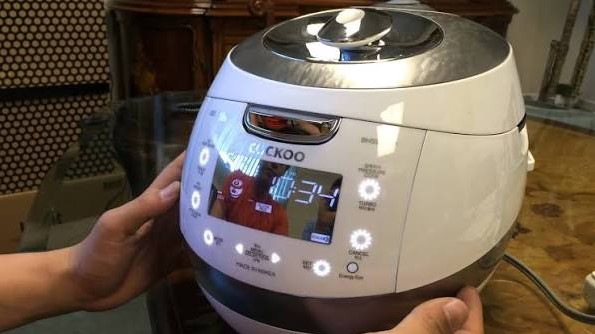
If you find your Cuckoo rice cooker buttons not working, don’t panic. Most issues stem from moisture buildup, debris under the membrane, or a simple control panel glitch that can be solved with a quick reset or thorough cleaning.
There is nothing quite as frustrating as coming home hungry after a long day, ready to enjoy a bowl of perfectly steamed jasmine rice, only to find that your Cuckoo rice cooker buttons not working. You press the “Cook” button repeatedly, but nothing happens.
The screen might be lit up, or perhaps it is totally blank. You might feel a surge of panic that you need to replace your premium appliance, but before you toss it out, let’s take a breath. In 2026, Cuckoo rice cookers are some of the most sophisticated kitchen tools on the market.
With their advanced fuzzy logic and induction heating, they are built to last for many years. However, electronics can be finicky. Most of the time, when you notice your Cuckoo rice cooker buttons not working, it is actually a minor problem that you can resolve in your own kitchen. Let’s walk through the steps to get your cooker back in action.
Key Takeaways
- Moisture Issues: Liquid intrusion is the number one cause of unresponsive buttons on modern rice cookers.
- The Reset Method: Unplugging your device for 10-15 minutes can clear minor electronic glitches in the control board.
- Cleanliness Matters: Food particles, steam, and oils can clog the sensors under the buttons, requiring a gentle wipe-down.
- Safety First: Never disassemble the main internal circuit board unless you have professional training, as high-voltage capacitors can be dangerous.
- Child Lock Mode: Many Cuckoo models feature a “Lock” function that disables all buttons, which is often mistaken for a mechanical failure.
- Check the Power Supply: Sometimes the issue isn’t the buttons at all, but a faulty power cord or a loose wall connection.
Understanding the Cuckoo Control Panel
Before we dive into the repairs, it is important to understand what is happening beneath the surface. Your Cuckoo rice cooker uses a touch-sensitive or membrane-style panel. Unlike an old-fashioned light switch, these buttons rely on a delicate connection between a conductive layer and the internal logic board. When you see your Cuckoo rice cooker buttons not working, it usually means the connection is being blocked, or the brain of the machine is stuck.
The “Child Lock” Misconception
One of the most frequent reasons owners report their Cuckoo rice cooker buttons not working is the unintended activation of the Child Lock feature. Designed to keep curious toddlers from playing with the buttons, this mode disables all inputs.
If you see a small icon of a lock on your display, your buttons are not broken they are simply locked. Simply hold down the “Cancel” or “Lock” button for three to five seconds to disengage it. This simple trick fixes almost half of the “broken” units we see every year.
Environmental Factors and Moisture
We cook with steam, and steam is the enemy of electronics. Even a high-end Cuckoo cooker can suffer from condensation getting inside the control panel casing. If you live in a humid climate or frequently place your cooker near a boiling pot of soup, moisture can seep into the membrane. This creates a bridge that makes the machine think a button is being held down constantly, which prevents other buttons from functioning. In this case, patience is your best friend.
The Power Reset Routine
Electronics are just small computers, and computers love a good reboot. When you notice your Cuckoo rice cooker buttons not working, the first step is to perform a hard power reset. This clears out the temporary memory of the device and can often reset the control board to its factory state.
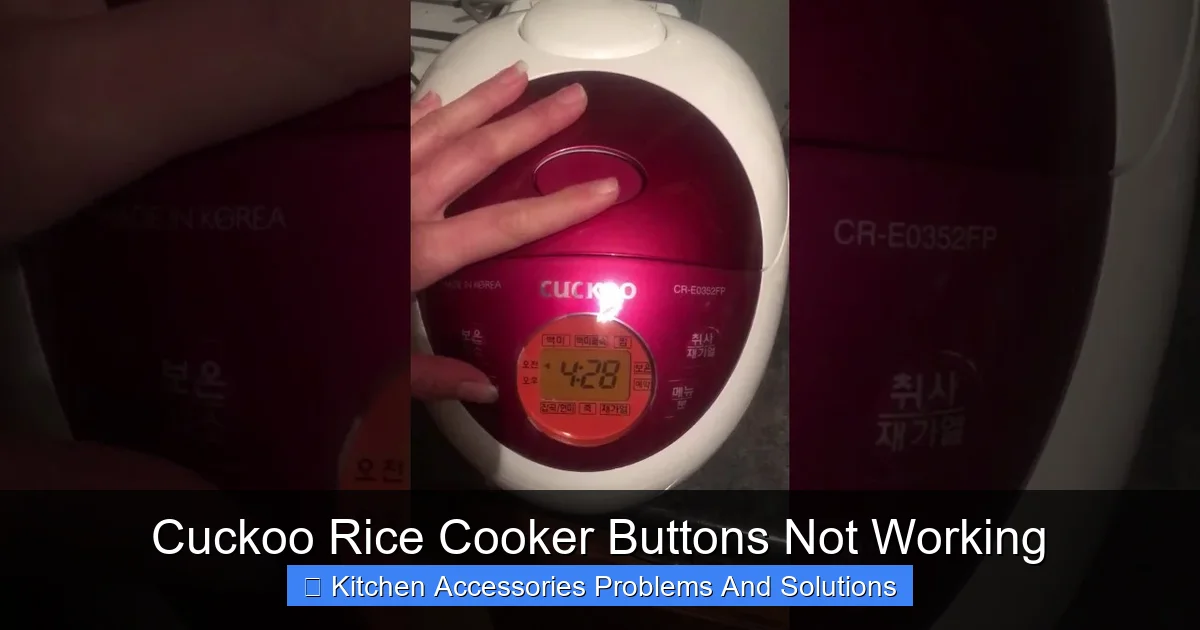
Visual guide about Cuckoo Rice Cooker Buttons Not Working
Image source: i.ytimg.com
Step-by-Step Reset
First, unplug the power cord from the wall outlet completely. Do not just turn off the power strip; pull the plug. Once it is disconnected, let the unit sit for at least 15 minutes. During this time, the internal capacitors will drain all their stored energy.
While you wait, inspect the plug for any signs of scorching or loose prongs. When you plug it back in, do so directly into a wall outlet rather than an extension cord or a power strip, which may not be providing enough consistent voltage for your Cuckoo.
Interpreting Error Codes
Sometimes, your Cuckoo rice cooker buttons not working is accompanied by an error code on the screen, such as E01 or E05. These codes are the machine’s way of talking to you. If the screen is blinking, the unit has detected a problem with the internal temperature sensor or the lid seal.
Check your manual or search the Cuckoo website for your specific model. Often, clearing the error code by pressing “Cancel” once the unit has cooled down will return the buttons to normal functionality.
Cleaning the Control Panel Surface
Your kitchen is a messy place. Flour, oil, and tiny splashes of rice starch can settle into the tiny grooves around the buttons. Over time, this creates a layer of “gunk” that prevents your fingers from making proper contact with the sensors. If you find your Cuckoo rice cooker buttons not working, it might just be time for a deep clean.
Safe Cleaning Practices
Never use harsh chemicals or abrasive steel wool on your Cuckoo control panel. Instead, grab a soft microfiber cloth and dampen it slightly with warm water and a tiny drop of dish soap. Wipe down the panel gently, ensuring you get into the edges of the buttons.
Use a dry cloth to immediately buff it dry. If the build-up is stubborn, use a soft-bristled toothbrush to lightly agitate the area around the buttons. Avoid spraying water directly onto the unit, as this only pushes more moisture into the delicate internal components.
Advanced Troubleshooting: Internal Check
If you have tried the reset, checked the child lock, and cleaned the surface, but you still have your Cuckoo rice cooker buttons not working, the issue might be deeper. This is where we look at the internal ribbon cable. Please note: If your unit is still under warranty, stop here! Opening the case will void your warranty immediately.
Inspecting the Ribbon Cable
If you are confident in your DIY skills and the unit is out of warranty, you can remove the bottom screws of the rice cooker casing. Once opened, look for the ribbon cable that connects the control panel to the main motherboard.
Often, these cables can vibrate loose over years of use or become corroded due to heat. Simply unplugging the cable and reseating it firmly can re-establish the connection. Use a bit of electronic contact cleaner if you see any oxidation on the metal pins.
Checking for Internal Steam Damage
While the unit is open, look for any signs of white, powdery residue or rust on the main circuit board. This is a tell-tale sign of steam ingress. If you see this, use a specialized electronic cleaning spray to gently clean the affected areas.
Let it air dry completely for several hours before putting the casing back together and plugging it in. If the damage is extensive, it may be time to contact a professional repair shop or reach out to the manufacturer for a replacement part.
When to Replace or Repair?
Sometimes, the “Cuckoo rice cooker buttons not working” issue is a symptom of an aging appliance. Like all kitchen gadgets, rice cookers have a lifespan. If you have been using your Cuckoo daily for five or more years, the motherboard may simply be reaching the end of its life.
Weighing the Costs
Compare the cost of a replacement control board against the price of a new unit. In 2026, many newer Cuckoo models offer improved energy efficiency and faster cooking times. If a repair costs more than 50% of the price of a new unit, it is usually more logical to upgrade. However, if the unit is a high-end IH (Induction Heating) model, parts might be worth the investment to keep the machine running for another decade.
Recycling Your Old Unit
If you decide that your Cuckoo rice cooker buttons not working represents an irreparable failure, please dispose of the unit responsibly. Because it contains circuit boards and copper, it should not go in your standard trash. Take it to an electronic waste recycling center.
Many local hardware stores or municipal recycling hubs offer drop-off bins for small kitchen appliances, ensuring that the metals and plastics are reclaimed rather than ending up in a landfill.
Conclusion
Dealing with a kitchen appliance malfunction is never fun, especially when it disrupts your meal prep. However, as we have explored, a Cuckoo rice cooker buttons not working is rarely a terminal diagnosis.
By checking the Child Lock, performing a hard power reset, and keeping the control panel free of debris, you can resolve the vast majority of these issues on your own. Keep your kitchen clean, use your cooker with care, and your Cuckoo will continue to provide you with delicious, fluffy rice for years to come.
Frequently Asked Questions
Why is my Cuckoo rice cooker displaying a lock icon?
The lock icon indicates that the Child Lock feature is active, which disables all buttons to prevent accidental changes. To unlock it, look for a button labeled “Lock” or hold down the “Cancel” button for 3-5 seconds until the icon disappears.
Can I use a wet cloth to clean the control panel?
You should only use a slightly damp, soft cloth to clean the panel. Never spray water or cleaning solution directly onto the buttons, as moisture can seep inside and cause the buttons to become unresponsive.
How long should I leave the rice cooker unplugged for a reset?
For a full power reset, leave the device unplugged from the wall outlet for at least 15 minutes. This allows the internal capacitors to fully discharge, clearing out any minor software glitches.
Why are my buttons sticking even after I cleaned the surface?
If the buttons feel physically stuck, there might be sticky residue or hardened food particles deep inside the membrane gaps. You can try using a very soft toothbrush to gently clean the crevices, but avoid forcing any tools into the gaps.
Is it safe to open the rice cooker to fix the buttons?
Opening the casing is generally not recommended unless the unit is out of warranty and you are comfortable with basic electronics. Always unplug the device for at least an hour before opening it to avoid potential electric shocks from internal capacitors.
What does it mean if my rice cooker shows an error code?
An error code like E01 or E05 usually points to a sensor issue or a problem with the lid seal. Check your user manual for the specific code, and try a power reset to see if the error clears once the internal temperature stabilizes.